HOW TO BUY AND DESIGN AND CUSTOMIZE YOUR ITEMS:
CREATE YOUR USERNAME AND PASSWORD FOR YOUR ACCOUNT.
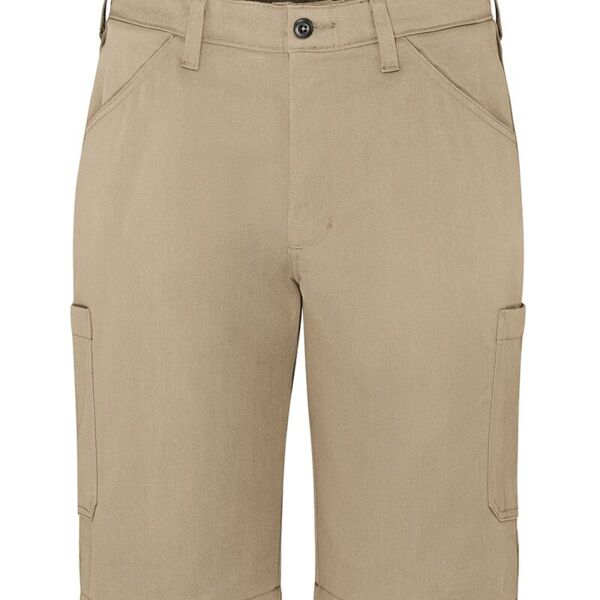
1. Select garment of your choice.
2.Type N/A in the Jersey name or number box. (That field is for sports or schools but it's a global setting)
3. Select Your Size AND Color
4. Select "Customize Design" and click on the red "X" out of the current logo.
5. Click on Design Square box. Look for Store Designs which will contain your design logo.
6. Select your Logo.
7. Select your design and push "Buy". That will put the item in the cart.
8.Then you may continue shopping if you need other items or choose to checkout. Select appropriate shipping method and item will be ordered from vendor, decorated, and shipped directly to you. If you have any special requests there is an area to type a note/message before checkout. Thank you